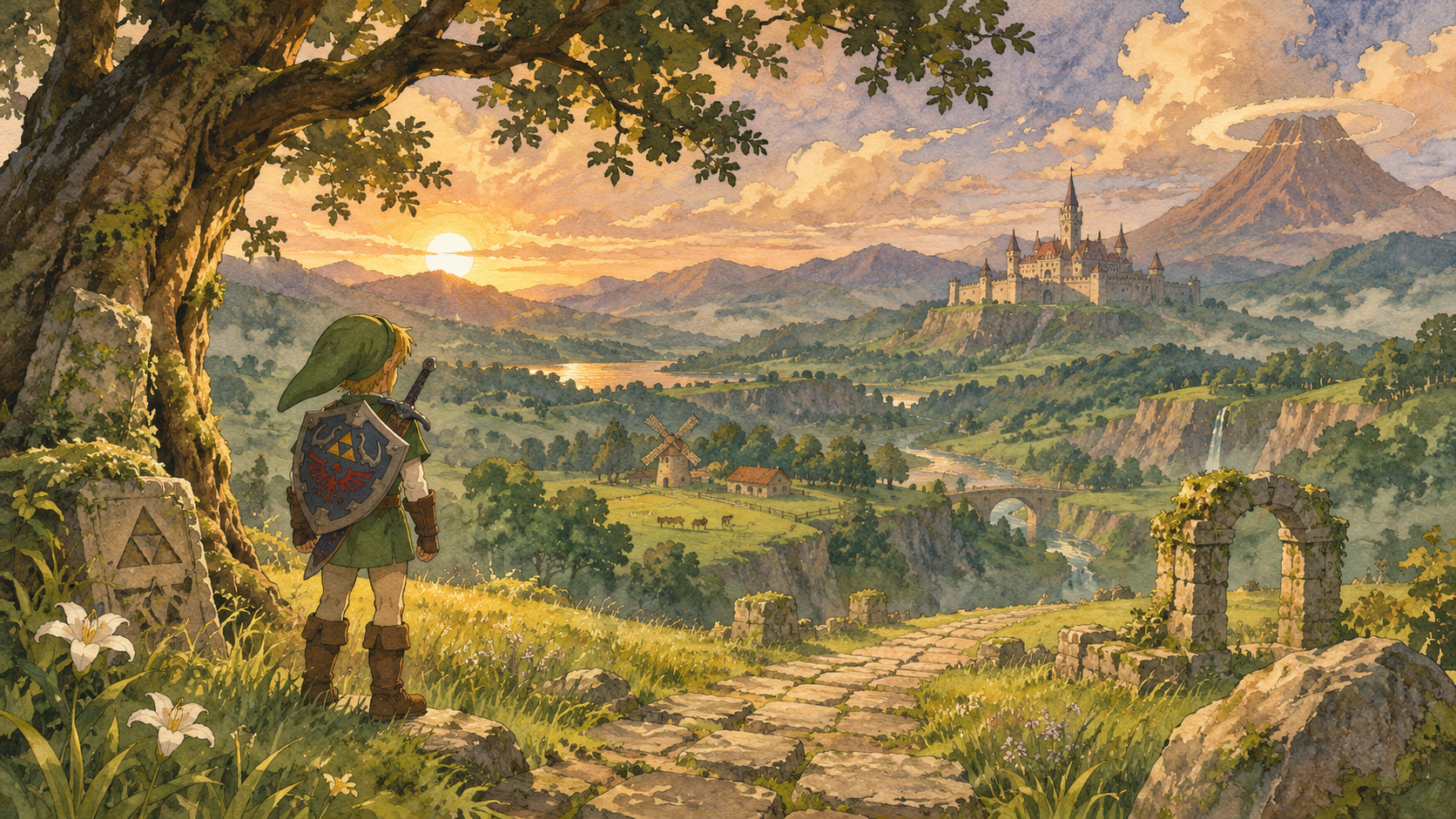
Where are you in your adventure?
Start with the problem on your screen. If you know the place but not the next objective, use the Ocarina of Time walkthrough. If the route itself is confusing, open the Hyrule map guide. When a melody, locked entrance or musical lesson stops you, the song reference puts the notes and learning locations together. Each Ocarina of Time entry is designed for a quick lookup while the game stays open beside you.
Returning players should begin with Switch 2 controls and remake changes. Familiar locations do not mean every old instruction applies. Read the version label before following a button sequence, and check the current room rather than matching it to a remembered camera angle. Hyrule Fieldnotes is an independent companion, with an initial set of focused guides rather than a claim to cover every collectible or every room.
Remake Changes
The Ocarina of Time remake rebuilds the adventure for Switch 2. Nintendo confirms new visuals, orchestral music, voice acting and expanded cutscenes. The practical changes are just as important: manual jumping, dashing and a freely controlled camera change how you move through a familiar space. You can play the ocarina with buttons, hum into the system microphone or use a real instrument. Button input remains available; singing is an option, not a requirement.
These changes affect how you read an Ocarina of Time guide. An older reference may assume an automatic jump or a fixed view of a town. A musical sequence may use Nintendo 64 or Nintendo 3DS button names. Our Switch 2 pages keep the current controls together and call out the distinction. Early trailer observations are identified as preview evidence on the changes page instead of being presented as a complete checklist of the final game.
Source: Nintendo product details; Nintendo’s Ocarina of Time release announcement.
Start the adventure
Begin in Kokiri Forest and prepare for the Great Deku Tree. Follow the Ocarina of Time walkthrough for the opening route and quest checklist.
Find your destination
Use the Ocarina of Time map to find regional connections and dungeon approaches.
Find a melody
Look up notes, teachers and warp destinations in the Ocarina of Time songs reference.
Track your progress
Use the walkthrough checklist to mark story milestones in this browser.
Questions before you continue
Is this for the Nintendo 64 or Nintendo 3DS version?
The current Ocarina of Time pages focus on the 2026 Switch 2 remake. Older editions share the adventure's foundation, but button names, presentation and some interactions differ. Check the version before using a sequence from another guide.
Do I need to use the microphone to play songs?
No. Ocarina of Time on Switch 2 supports traditional button controls as well as microphone input. Use the songbook and the buttons shown on its staff if humming is inconvenient or you prefer a precise sequence.
Where should I go when I have forgotten the story objective?
Check Threads of Time once it is available, then use the Ocarina of Time walkthrough to place that objective in the route. For a location problem, switch to the map guide; for a musical gate, use the songs reference.
Does this guide claim a complete 100% route?
No. The initial Ocarina of Time collection covers the route overview, controls, changes, map navigation and songs. It does not label unverified rooms or unfinished collectible lists as complete. Use each page for the task its heading promises.
Source: Nintendo product details; Kokiri Forest route; controls reference.
Sources and verification
Sources checked November 16, 2026. This guide uses published-source verification, not an in-game playtest. Links beside each factual section identify the supporting material; preview observations remain labelled as such.